



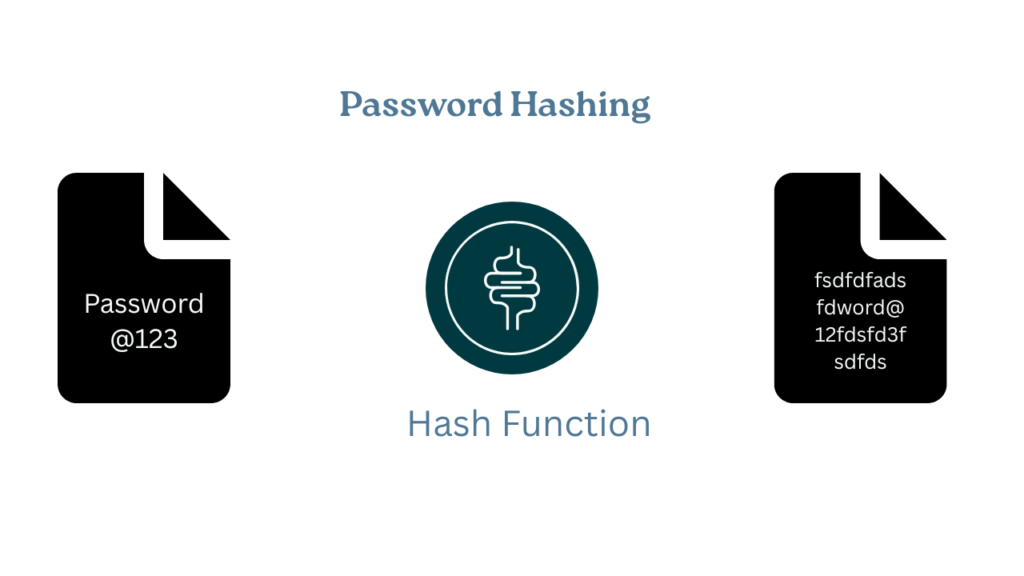
Imagine you’re building your first web application, maybe an online shopping site or a simple blog. Users create accounts with their email and password. Everything seems to work fine. Users can log in, log out, everything is smooth.
But here’s what many beginners do wrong: they store passwords directly in the database, exactly as users type them.
Why this is Dangerous?
- Data leaks: If your database is breached, attackers get all passwords.
- Trust issues: Users reuse passwords. A leak can affect other accounts.
- Legal problems: You may be responsible for protecting user data.
The Solution: Password Hashing with bcrypt
Hashing converts a password into a fixed-length string that cannot be reversed. You cannot get “Password@123” back from that string. When a user logs in, you hash their input and compare it to the stored hash.
Why bcrypt?
Designed for passwords to resist brute force attack, and bcrypt is a popular and widely used cryptographic hashing function for the purpose to store password securely. It is designed to be slow and resistant to brute-force attacks, making it a reliable choice for password hashing. Hashing algorithm like MD5 or SHA-256, are simple but they lacks “salt”.
How Bcrypt Works?
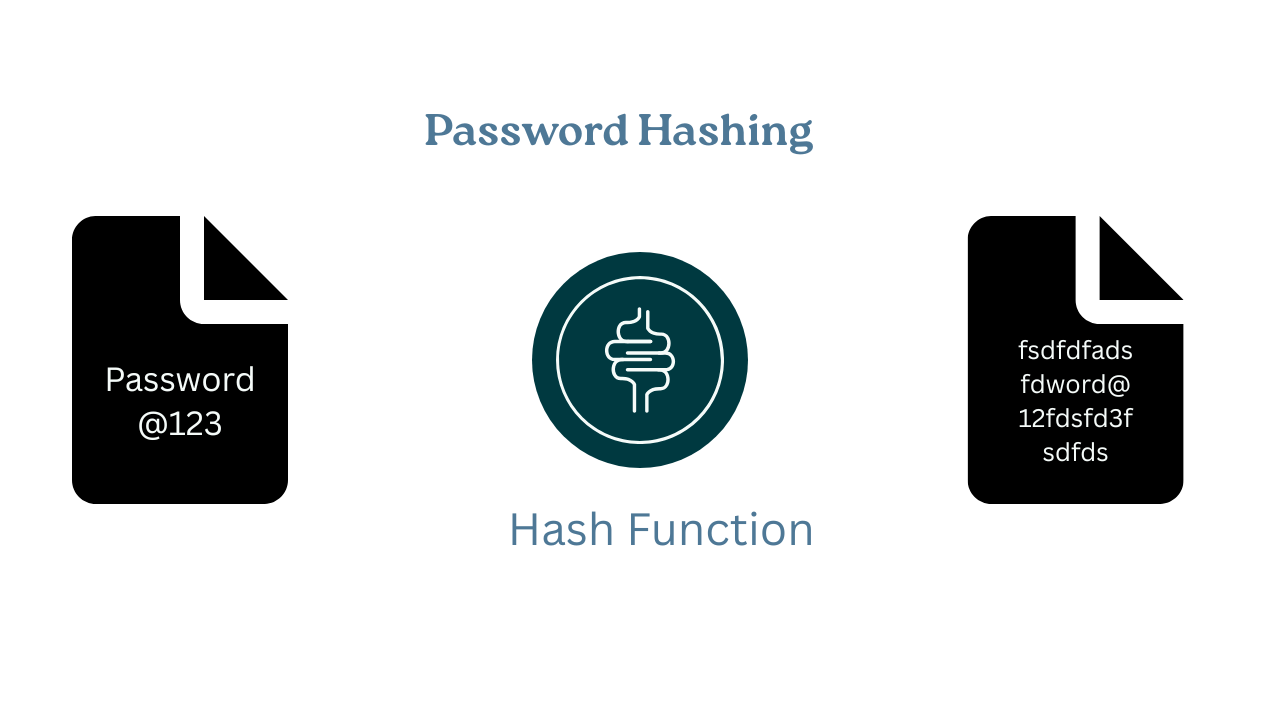
Bcrypt follow this procedures to secure our password:
- Salting: It generates random string of characters(salt) and mix it with the password before hashing. This ensures that even if two users have the same password, their hashed values will be different.
- Hashing: After salting the password, bcrypt performs multiple rounds of hashing. The number of hashing rounds is customizable (e.g. 10, 12,etc), and higher rounds mean more security but take longer to compute.
- Hash Verification: When a user logs in, bcrypt re-hashes the provided password with the original salt and compares it with the stored hash to verify if the passwords match.
Bonus: Hashing vs Encryption: Simple Explanation
Encryption: reversible (you can decrypt). Use for data you need to read later
Hashing: one-way (you cannot reverse it). Use for passwords
For passwords, use hashing. You don’t need to read the original password; you only need to verify it.
Real-World Example: E-Commerce Authentication
- User Signup Flow
- User enters email and password
- Your app hashes the password with bcrypt
- Store the email and hash in the database (not the plain password)
- User account is created
User Login Flow
- User enters email and password
- Find the user by email
- Hash the entered password
- Compare the new hash with the stored hash
- If they match, login succeeds.
How bcrypt Protects You?
Even if the database is compromised, attackers see hashes, not plain passwords. They cannot use those hashes to log in. They would need to guess passwords and hash them, which is very slow with bcrypt.
Step-by-Step Implementation in Spring Boot
Step 1: Add Required Dependencies
Maven (pom.xml):
<dependency><groupId>org.springframework.boot</groupId><artifactId>spring-boot-starter-security</artifactId></dependency>
Gradle (build.gradle):
implementation 'org.springframework.boot:spring-boot-starter-security'
Spring Security includes bcrypt.
Step 2: Configure BCryptPasswordEncoder
package com.example.ecommerce.config;import org.springframework.context.annotation.Bean;import org.springframework.context.annotation.Configuration;import org.springframework.security.crypto.bcrypt.BCryptPasswordEncoder;@Configurationpublic class SecurityConfig {@Beanpublic BCryptPasswordEncoder passwordEncoder() {return new BCryptPasswordEncoder();}}
What this does:
@Configuration: Spring treats this as configuration@Bean: MakesBCryptPasswordEncoderavailable for injectionBCryptPasswordEncoder: Handles hashing and comparison
Step 3: Hash Passwords During Registration
package com.example.ecommerce.service;import org.springframework.beans.factory.annotation.Autowired;import org.springframework.security.crypto.bcrypt.BCryptPasswordEncoder;import org.springframework.stereotype.Service;import com.example.ecommerce.model.User;import com.example.ecommerce.repository.UserRepository;@Servicepublic class UserService {@Autowiredprivate UserRepository userRepository;@Autowiredprivate BCryptPasswordEncoder passwordEncoder;public User registerUser(String email, String plainPassword) {// Hash the password before savingString hashedPassword = passwordEncoder.encode(plainPassword);// Create user with hashed passwordUser user = new User();user.setEmail(email);user.setPassword(hashedPassword); // Store the hash, not plain text!// Save to databasereturn userRepository.save(user);}}
Important points:
- PasswordEncoder.encode(plainPassword) hashes the password
- Store the hash, not the plain password
- Each call to encode() produces a different hash (due to salt)
Step 4: Match Passwords During Login
@Servicepublic class UserService {@Autowiredprivate UserRepository userRepository;@Autowiredprivate BCryptPasswordEncoder passwordEncoder;public boolean loginUser(String email, String plainPassword) {User user = userRepository.findByEmail(email);if (user == null) {return false;}return passwordEncoder.matches(plainPassword,user.getPassword());}}
Final Thoughts:
Password security is not optional. It is a crucial part of your system. And the best part is we do not have to do any configuration, spring does this for us. So encode your password and stored it on the database to ensure system security.
Now you are ready to implement it on your project. Let me know your thought in the comment section.
